 Lucinite
Your desktop, with everything on it.
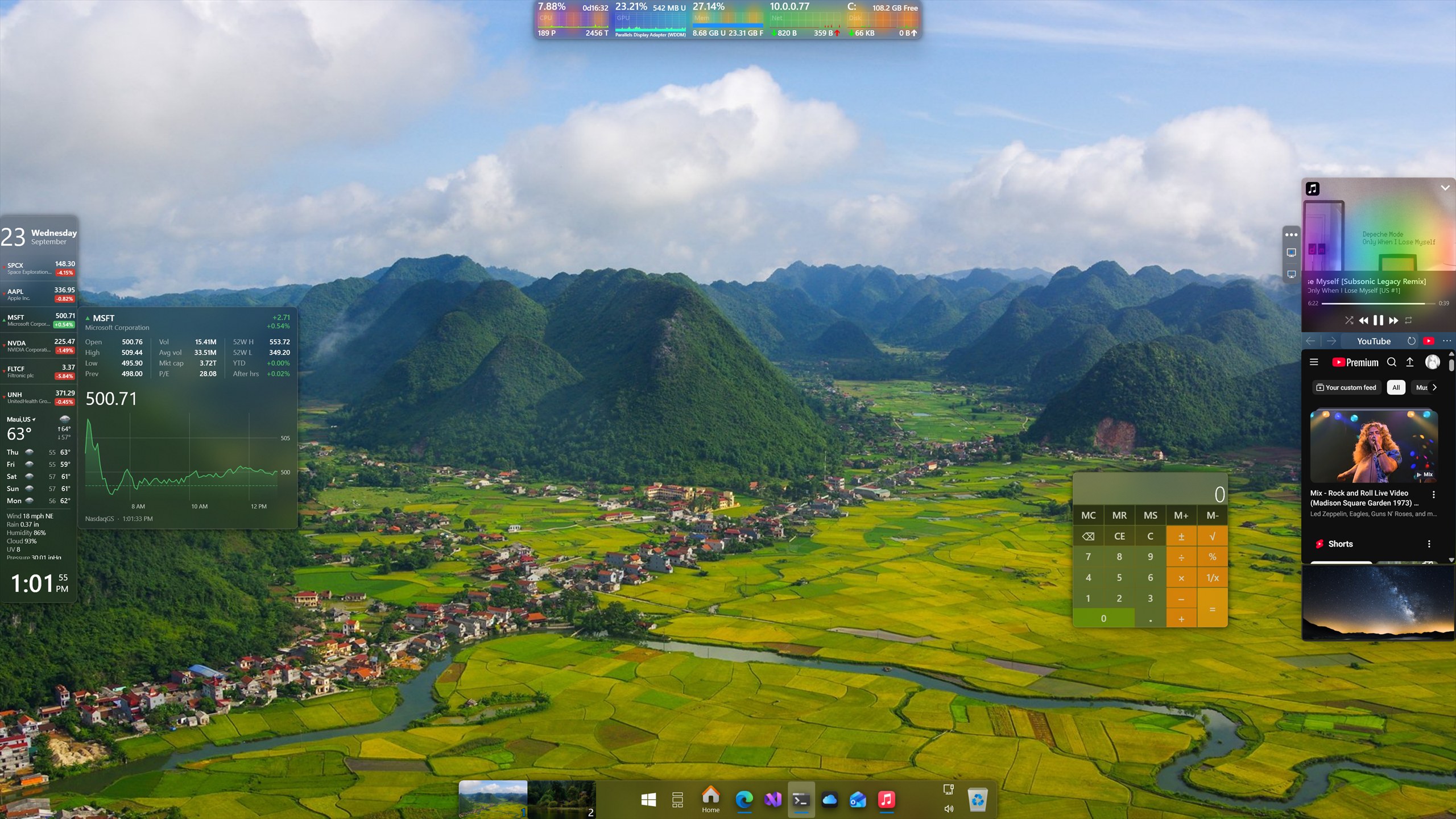
Panels puts docked bars and widgets anywhere on your desktop — weather, now playing, system monitors, shortcuts, live window thumbnails, your coding agents. Arrange them how you like, on any edge of any display.
Bars where you want them
Add as many panels as you like, to any edge of any display. Dock them so your windows make room, or set them free as widgets and put them anywhere.
On an edge, or free
A bar can reserve its edge, so maximised windows stop short of it — or reserve nothing and let them run underneath. A widget sits over the desktop on no edge at all, moved and resized anywhere, or locked so a stray drag cannot shift it.
Any edge, any display
Top, bottom, left or right, on whichever monitor you choose. Vertical and horizontal layouts both size their tiles to fit the space they are given.
Replace the taskbar
Hide Windows' own taskbar and use the Shortcuts tile instead — pinned apps, running windows and a Start button, laid out the way you want.
Tiles that do something
Every panel is built from tiles. Mix them freely, size each one independently, and put the same tile on more than one panel if that is what you want. Everything marked Free works with no license and no time limit. Premium unlocks with a one-off purchase.
Weather Free
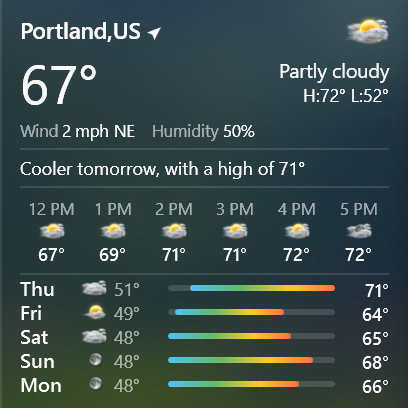
Current conditions, the hours ahead and the week's forecast, for as many locations as you like. Clear the location box and it detects where you are.
Now playing Premium
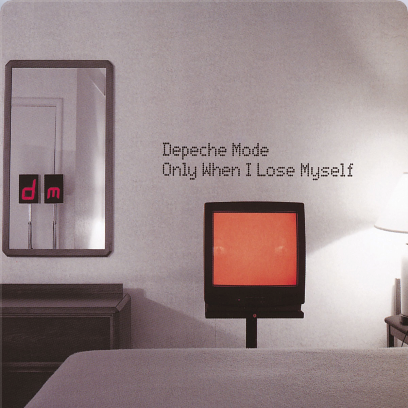
Album art, track details and transport controls for whatever is playing, from any player that reports to Windows. Pick between sources when more than one is playing.
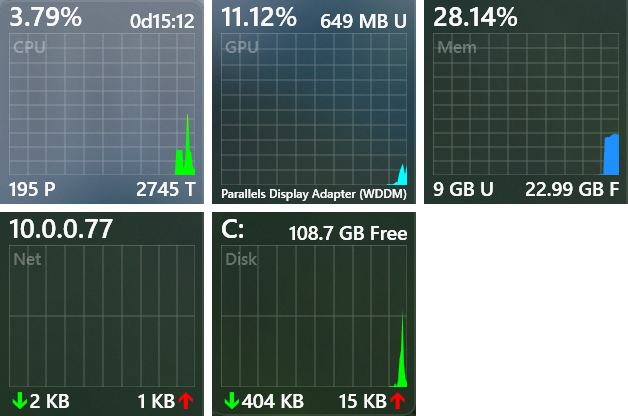
System monitors Some free
CPU, GPU, memory, network, disk and battery, each with a live graph and readout. CPU and battery are free; the rest need a license. The memory tile has a one-click memory cleaner, and the network tile shows your IP and scans the devices on your network.
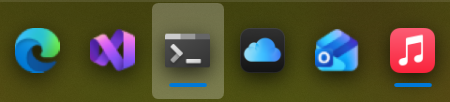
Shortcuts Free
Pinned apps, running windows and a Start button — a full taskbar replacement, with live previews and a hover context menu.
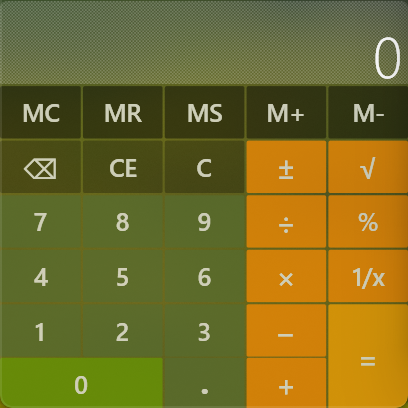
Calculator Free
A full calculator with memory keys, always a click away.
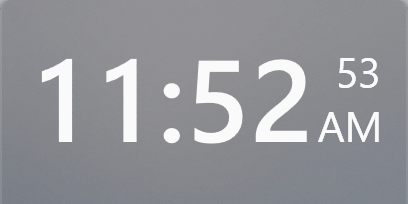
Clock Free
The time at whatever size you give it, 12- or 24-hour, with or without seconds.
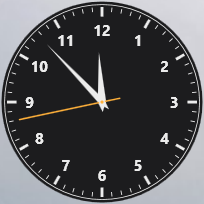
Analog clock Free
A clock face with hands, for a bar or out on its own on the desktop.
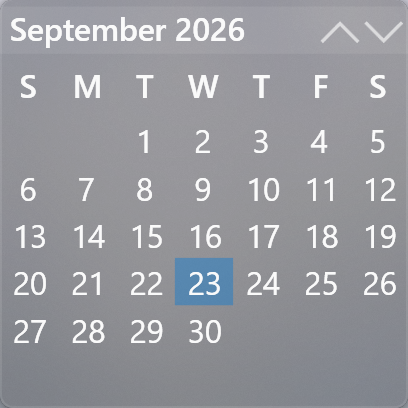
Calendar Free
A month view with your appointments on it — from Outlook on this PC, any published .ics link, or both.
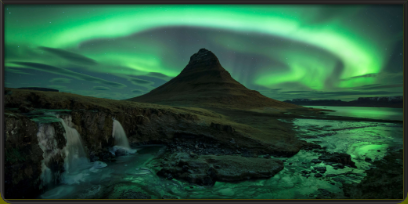
Pictures Free
A slideshow of your own pictures from the folders you point it at. Eight frames, four fits, four transitions and a few effects to choose from.
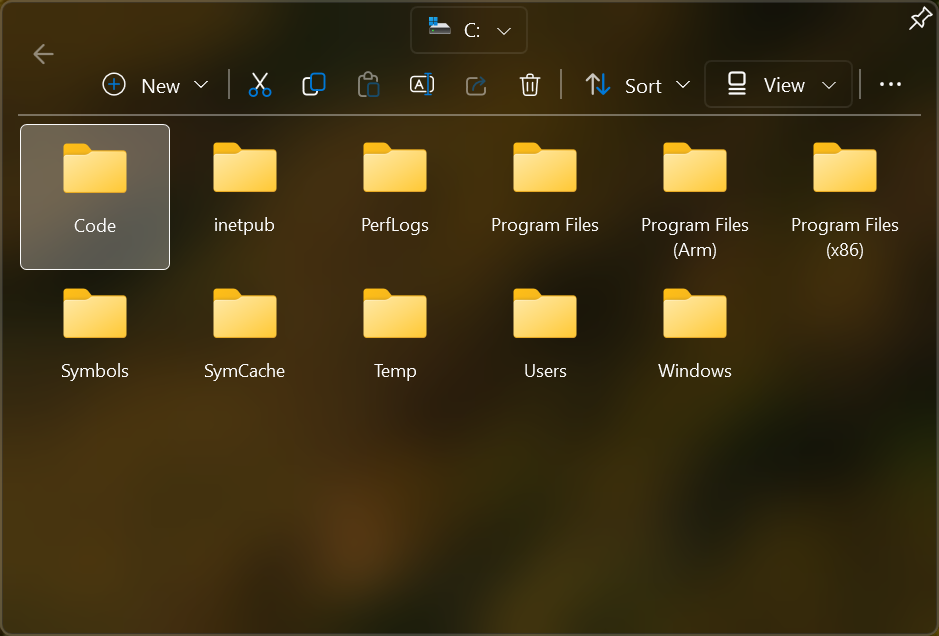
Folder Premium
Any folder on a tile — click it and the contents open beside it, as icons at three sizes or as details, sorted how you like. Drop a file on the tile and it lands in the folder.
AI Agents Premium
Claude Code and Codex on one tile: every session, what it is doing, and whether it is waiting on you. Open the window to read along, answer its prompts and type to any of them — and chat with Codex outside any project.
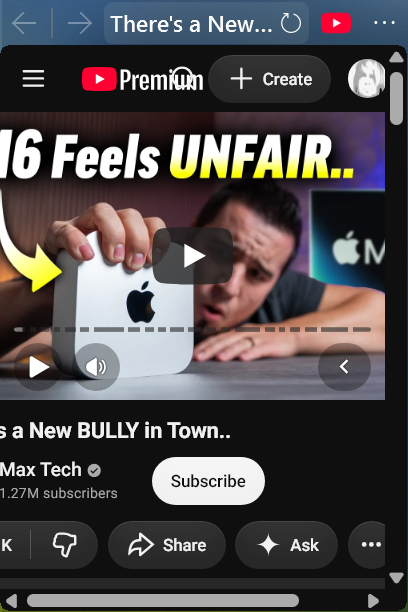
Web Browser Premium
A live web page on the panel — video, chat, a dashboard. Desktop, tablet and phone views, remembered separately for a bar and a widget.
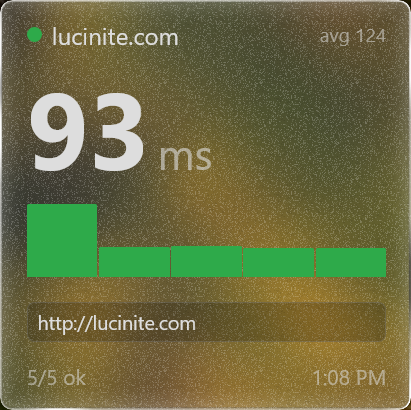
HTML Premium
One of your own HTML pages, on a tile. Pages are kept by name, so a panel you share carries a reference rather than your markup.
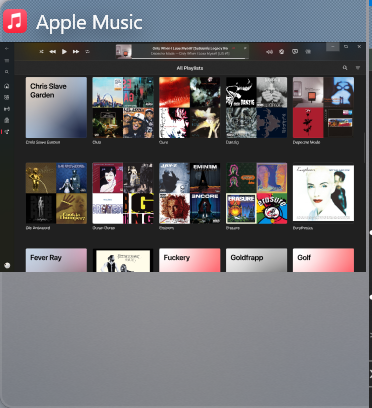
Picture in Picture Premium
Live thumbnails of your running windows, kept in the desktop's own z-order. Hover to preview, click to bring one to the front, cycle with the wheel.
Virtual Desktops Free
Switch desktops and drag windows between them, each shown with its own wallpaper. Double-click for Task View.
Battery Free
Charge at a glance.
Recycle Bin Free
A working Recycle Bin, out on its own as a widget if you like.
System tray Free
The Windows tray icons themselves, plus buttons of Panels' own — power, the signed-in user, the touch keyboard and battery — each shown or hidden as you like.
Visualizers Some free
Audio visualizers for panels and tiles. Glow and Fish are free; Waveform needs a license.
…and three games
Panel Paddle, Panel Pew and Panel Pilot, played with windows rather than in one — every piece a real panel wearing your theme. All three live in the Panel Manager, off the Start tile.
Make it yours
Themes control colour, transparency, acrylic blur, corner rounding and text throughout — per panel, so two panels on the same desktop can look nothing alike.
Free tiles included. Premium tiles unlock with a one-off purchase.